Initial installation
Pre-installation requirements
Prior to installing the Scientific Publications Cloud product in your Salesforce instance, complete these prerequisites:
-
Ask Salesforce Support to enable cascade delete.
-
Enable middle names and suffixes for contacts. To enable these settings:
-
Navigate to Setup | User Interface | User Interface.
-
In the Name Settings section, check these boxes:
-
Enable Middle Names for Person Names
-
Enable Name Suffixes for Person Names
-
-
Click Save.
-
Installation steps
Once the prerequisites above are met, use the https://install.komodohealth.com/ to complete the following installation steps:
-
Install the Scientific Publications Cloud product.
-
Deploy the setup metadata.
warningYou should only deploy the setup metadata upon the very first installation of the Scientific Publications Cloud product. If you have an existing instance of the Scientific Publications Cloud product in your Salesforce environment, do not deploy the setup metadata again as they will overwrite your existing configurations.
-
(Optional) The Install Service includes an Optional step called Migrate legacy Collaborator Portal settings that maps the email sender settings from your existing legacy Collaborator Portal to the new SPC Community Experience Cloud Site.
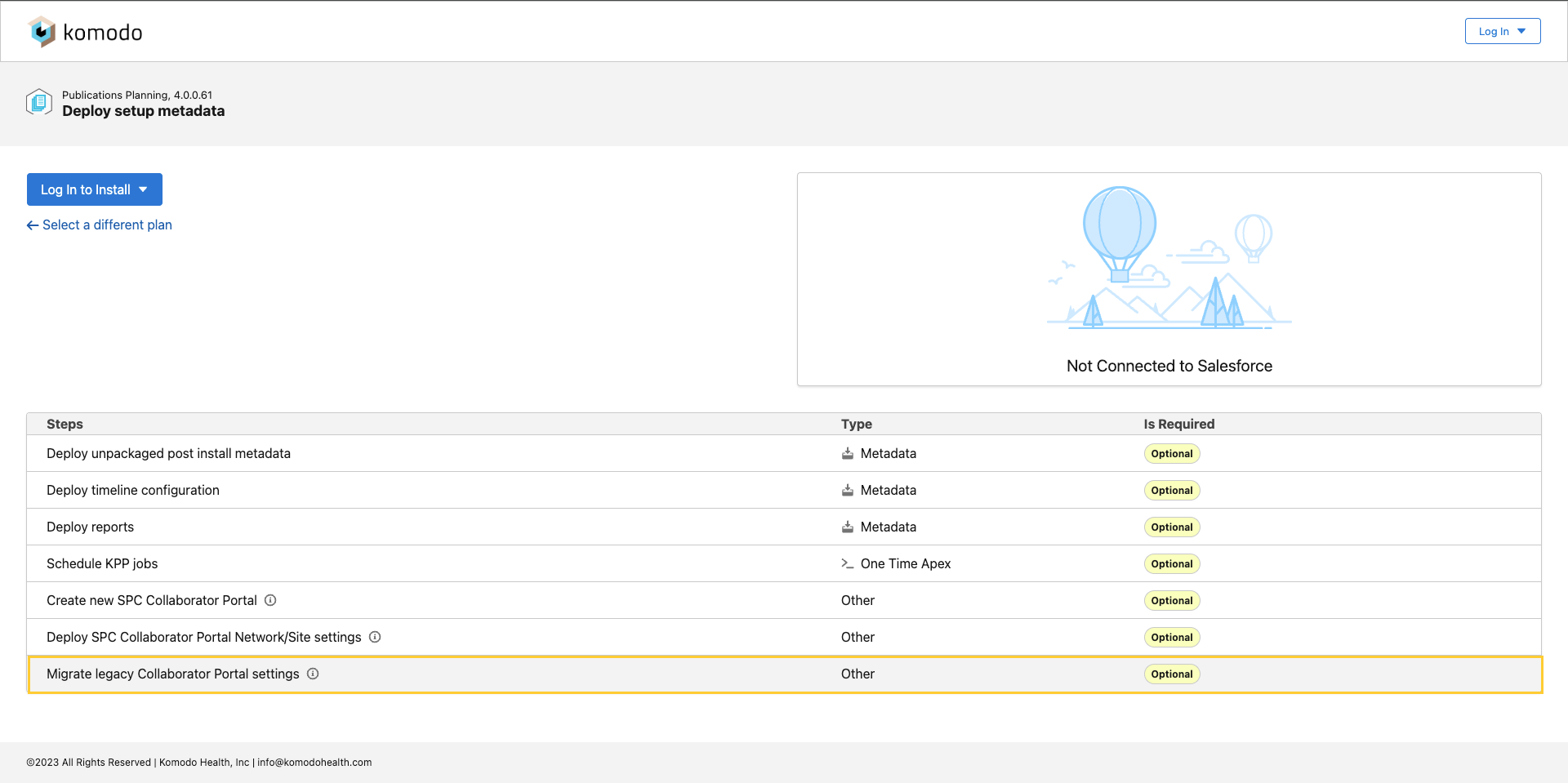
It queries for the Default (
PP_Default) Collaborator Portal (PP_Collaborator_Portal__mdt) record and uses the Collaborator Portal Name (PP_Collaborator_Portal_Name__c) value to retrieve the existing Network and update the new portal’s Sender From Name (EmailSenderName) and Sender Email Address (EmailSenderAddress).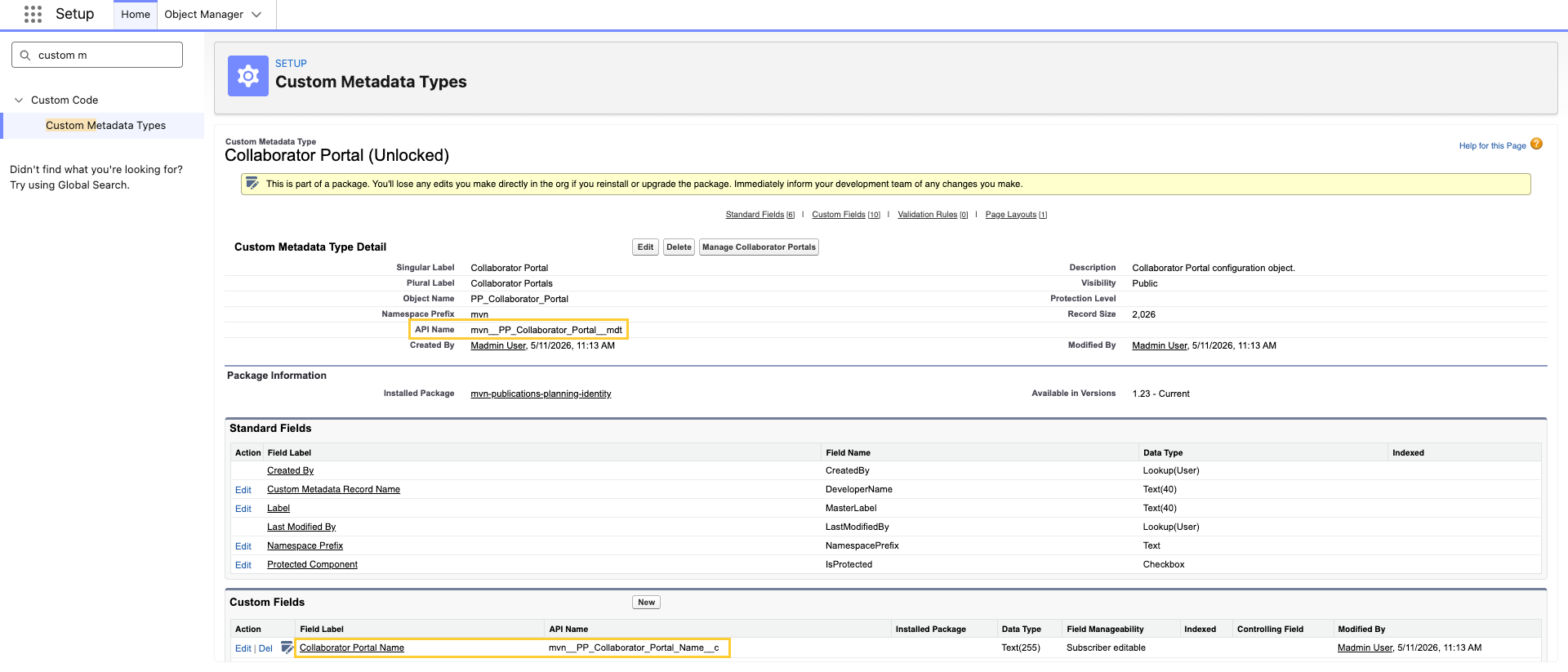

The new portal’s default pages are Home, Tasks, and Profile. The default site URL Path is
/spc. After deployment, you can adjust Path, Custom Domain, and URL in Custom URLs or Digital Experiences → All Sites setup pages.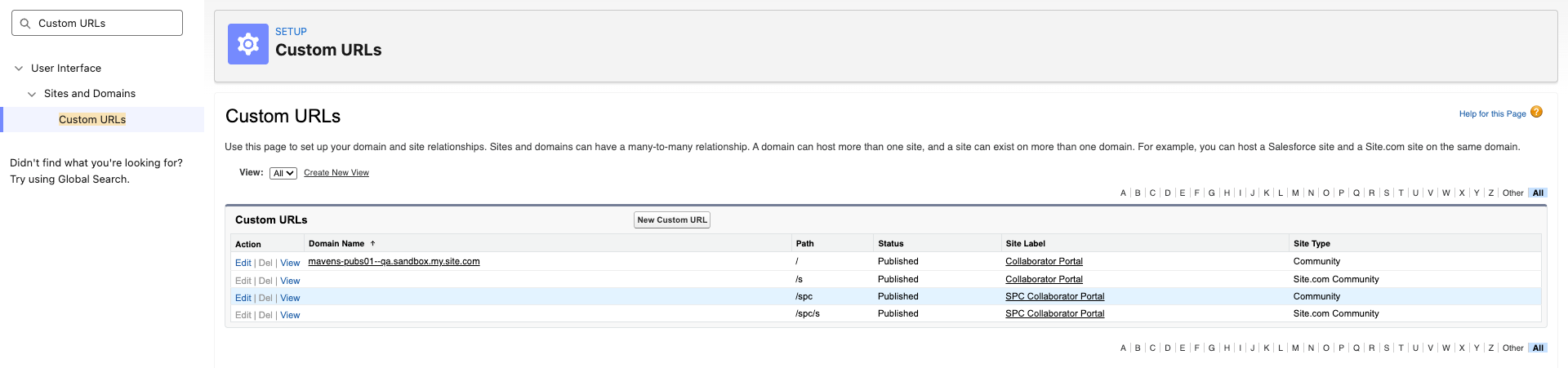
Post-installation requirements
After installing Scientific Publications Cloud in your Salesforce instance, complete these requirements:
-
Allocate 1MB of organization storage capacity to the metadataAPI platform cache partition. For more information, visit Platform Cache.
-
(Optional) Connect Microsoft 365, and enable users to use the Microsoft 365 integration. For more information, visit Microsoft 365.
-
(Optional) Add the base URL of your Salesforce environment as a trusted domain for inline frames to enable clickjack protection. For more information, reference Salesforce's documentation on how to Specify Trusted Domains for Inline Frames or reference the resolution notes in KI-118.